
FluentCommunity Widget
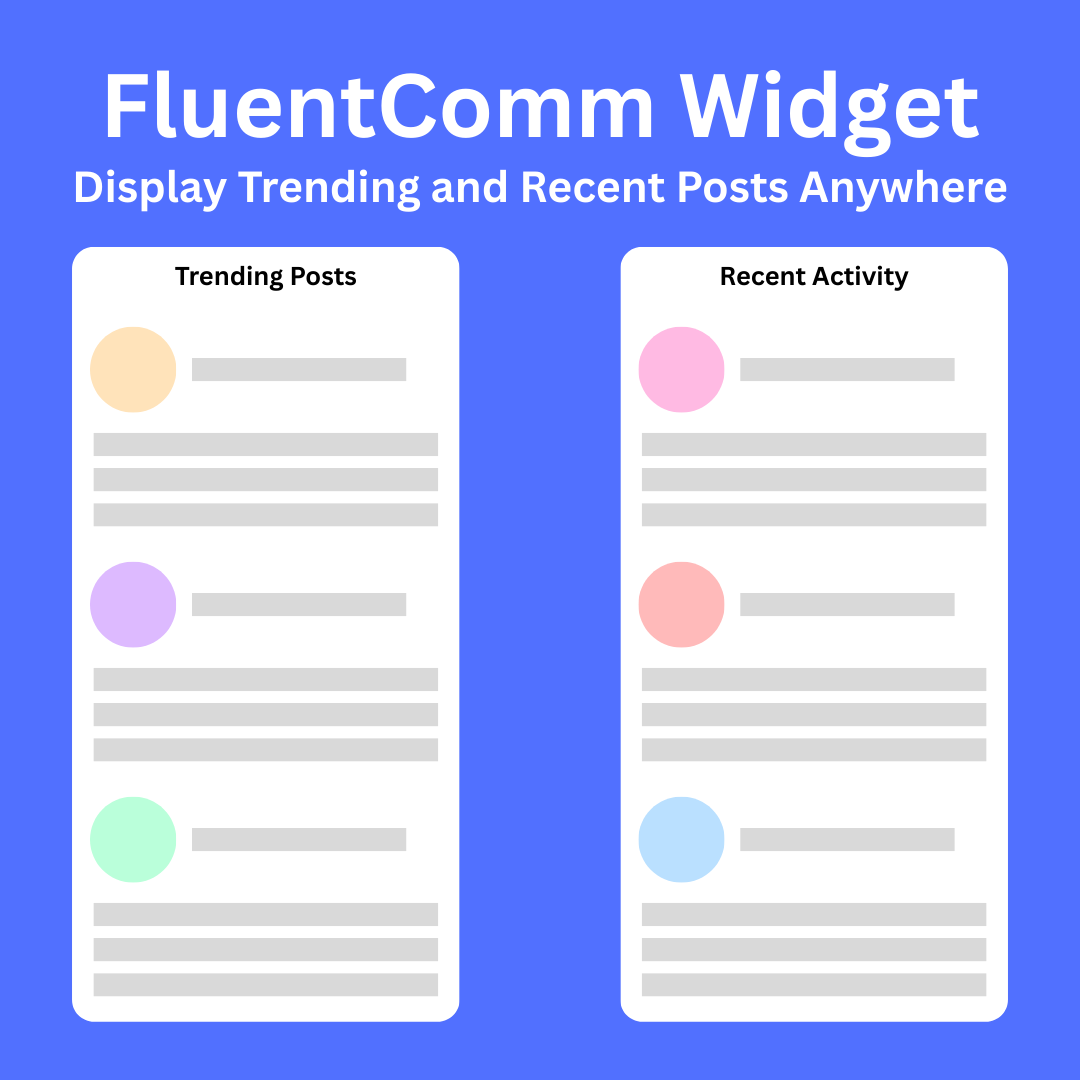
Display FluentCommunity trending posts and recent activities anywhere on your WordPress site using simple shortcodes. Automatically detects your portal configuration, supports space filtering, shows user avatars, and generates proper FluentCommunity URLs. Perfect for showcasing community engagement on your homepage, sidebar, or any page.
Transform your WordPress site into a dynamic community hub by displaying FluentCommunity content anywhere with powerful, easy-to-use shortcodes.
🚀 Key Features
Smart Portal Detection
- Automatically detects your FluentCommunity portal configuration
- Works with custom portal URLs (e.g.,
/portal/,/community/,/forum/) - Generates proper FluentCommunity URLs that link directly to posts
Two Powerful Widgets
- Trending Posts: Displays most engaging content based on comments and reactions
- Recent Activities: Shows latest community posts in chronological order
Flexible Display Options
- Filter by specific spaces using space slugs
- Configurable post limits (1-20 posts per widget)
- Toggle user avatars on/off
- Clean, responsive design that matches any theme
💡 Perfect For
- Homepage Showcases: Feature trending discussions on your main page
- Sidebar Widgets: Keep visitors engaged with recent community activity
- Landing Pages: Demonstrate active community participation to new visitors
- Member Dashboards: Highlight relevant space-specific content
🎯 Business Benefits
Increase Engagement: Showcase active community discussions to encourage participation
Improve SEO: Display fresh, user-generated content throughout your site
Boost Conversions: Social proof through visible community activity
Enhance User Experience: Help visitors discover relevant community content
⚙️ Advanced Configuration
Admin Settings Panel
- Set default space for all widgets
- Configure default post limits
- Control avatar display globally
- Easy-to-use settings interface
Developer Friendly
- Clean, well-documented code
- Proper WordPress coding standards
- Extensive error handling
- Customizable CSS classes for styling
Smart Avatar System
- Prioritizes FluentCommunity profile avatars
- Falls back to WordPress Gravatar
- Optimized image loading
🔧 Technical Excellence
- Database Optimized: Efficient queries with proper caching
- Security First: All data properly sanitized and escaped
- Performance Focused: Minimal resource usage
- Mobile Responsive: Looks great on all devices
- Accessibility Ready: Screen reader compatible
📈 Use Cases
Community Managers: Highlight trending discussions to boost engagement
Course Creators: Showcase student interactions and success stories
Membership Sites: Display member activities to encourage participation
Business Communities: Feature customer discussions and testimonials
Support Forums: Highlight helpful discussions and solutions
🎨 Styling & Customization
The plugin includes beautiful, modern styling out of the box with:
- Hover effects and smooth transitions
- Clean typography and spacing
- Professional card-based layout
- Customizable CSS classes for advanced styling
🚀 Installation & Setup
- Upload and activate the plugin
- Configure settings at Settings > FC Widget
- Add shortcodes to any page, post, or widget area
- Enjoy increased community engagement!
Related Products

FluentCommunity Ads
Seamlessly monetize your FluentCommunity with smart Google Ad integration. Automatically inserts ads between posts at configurable intervals with randomization for natural placement. Features responsive design, mobile optimization, and professional styling that blends perfectly with your feed. 5-minute setup with step-by-step guidance. Increase revenue without compromising user experience.